
Try clothes before buying
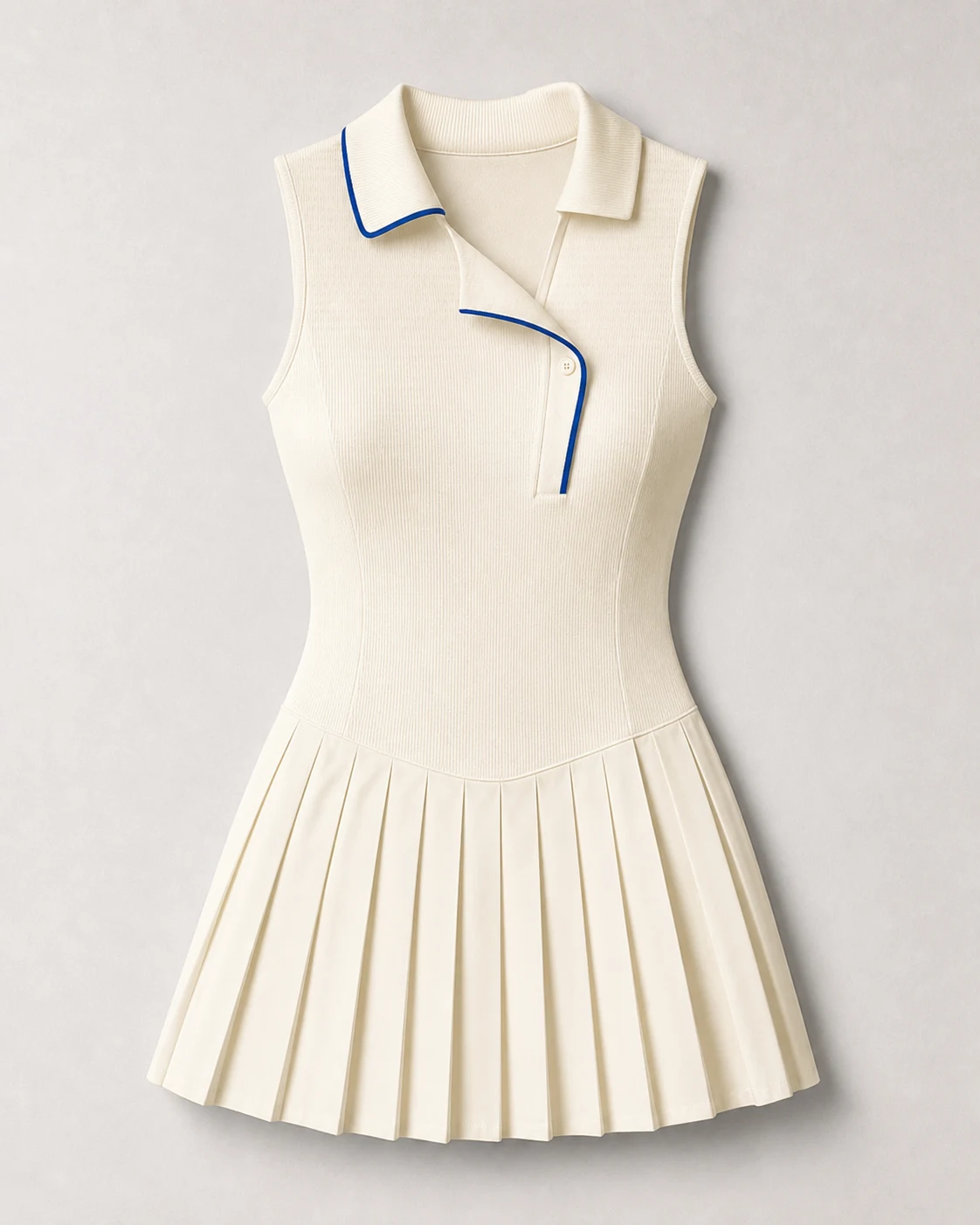
Upload a product image from an online store and preview the color, silhouette, and overall style on your own photo before ordering.
Preview
Your result will appear here
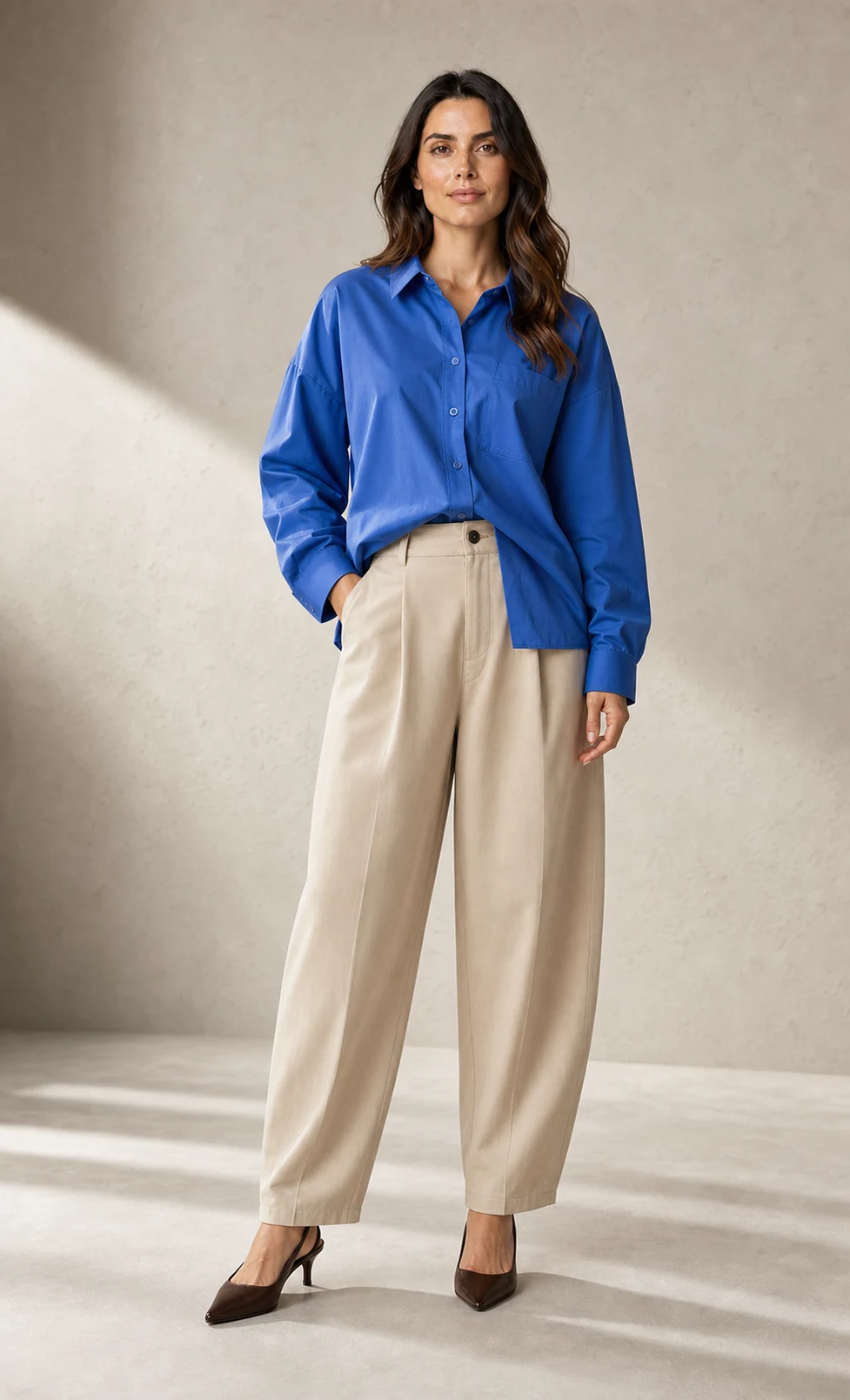
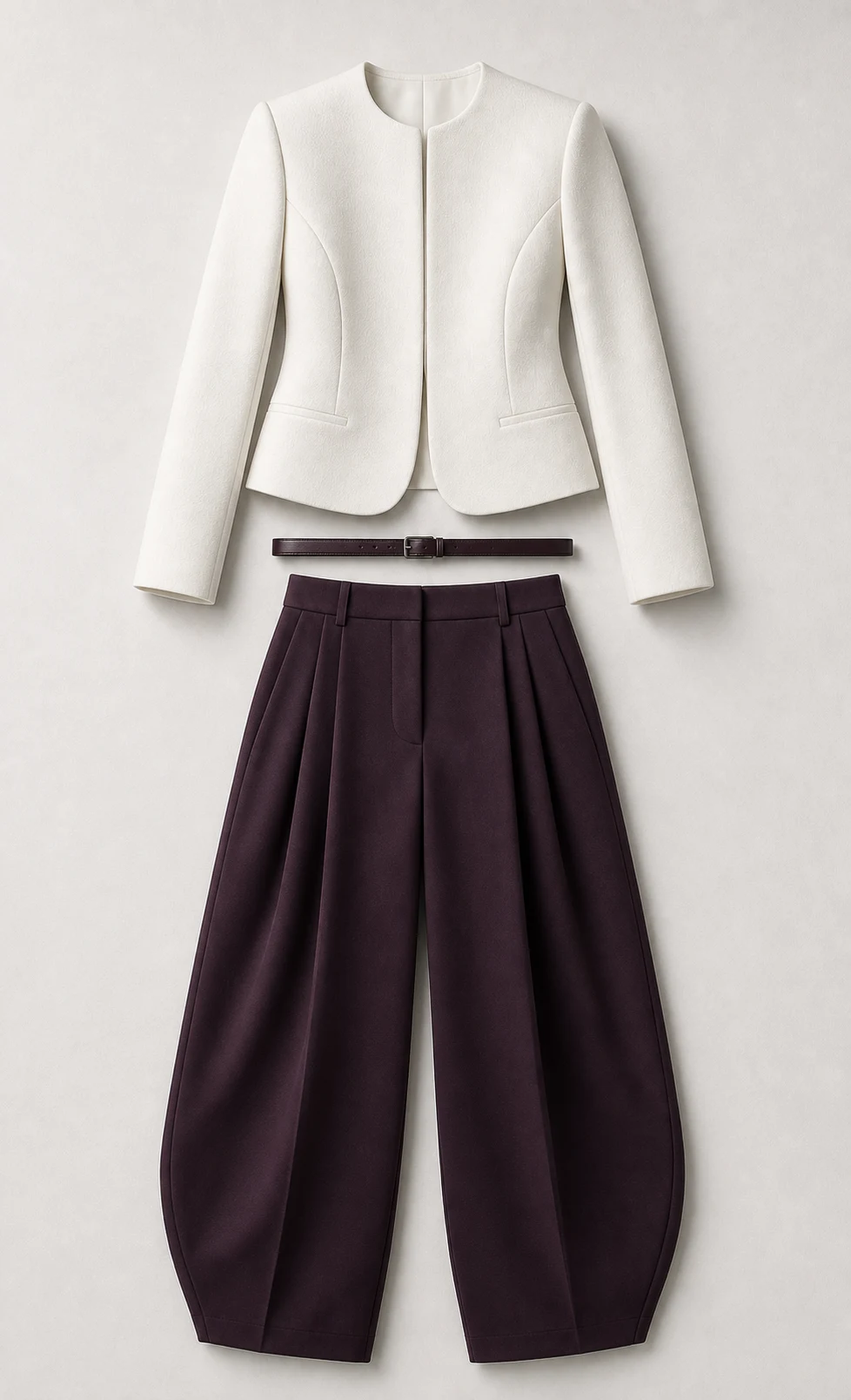
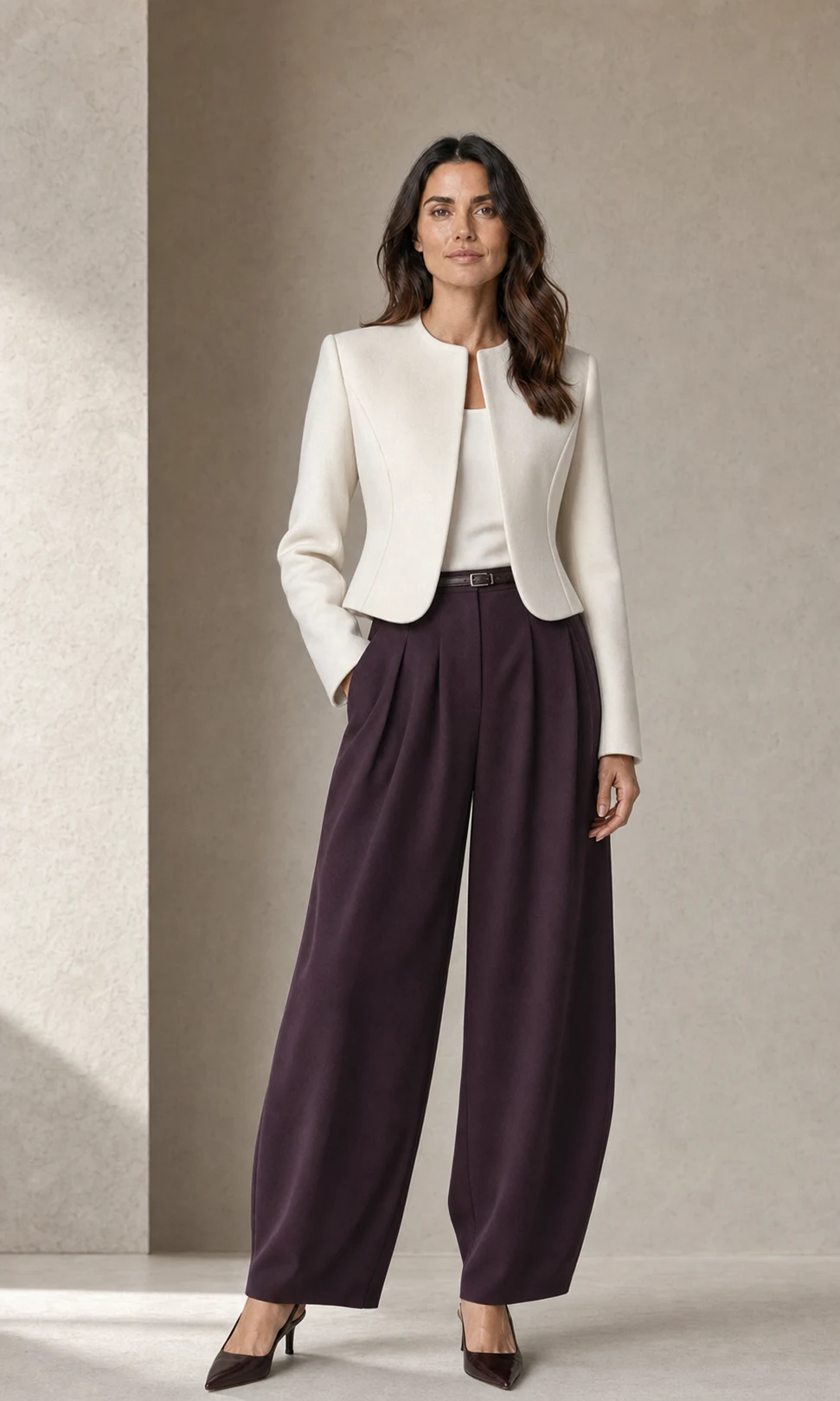
Change any outfit in any photo without changing clothes or learning photo editing. Upload a model photo, choose clothing or describe a look, and create a realistic new image while keeping the face, hair, body, and pose consistent.
What is an AI clothes changer?
An AI clothes changer is an online tool that replaces the clothes in a photo with a different outfit. It combines a model photo with clothing references or a written idea, then fits the new look to the body while preserving the person's recognizable identity and original composition.
Outfits for every occasion
Use a clothing photo for a specific item or describe the style you want. These are some of the outfit categories you can explore from one model image.
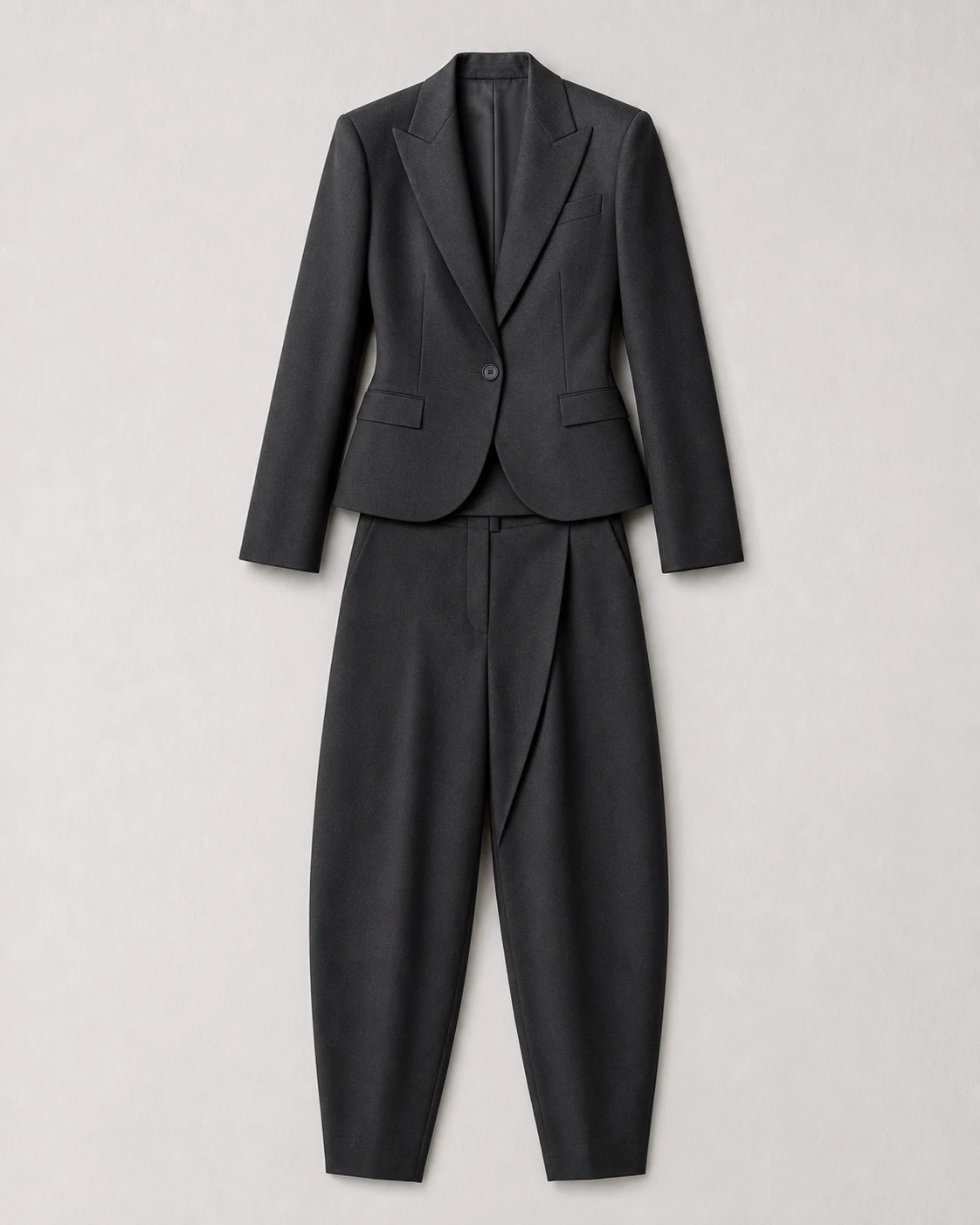
Business
Suits, blazers, and workwear
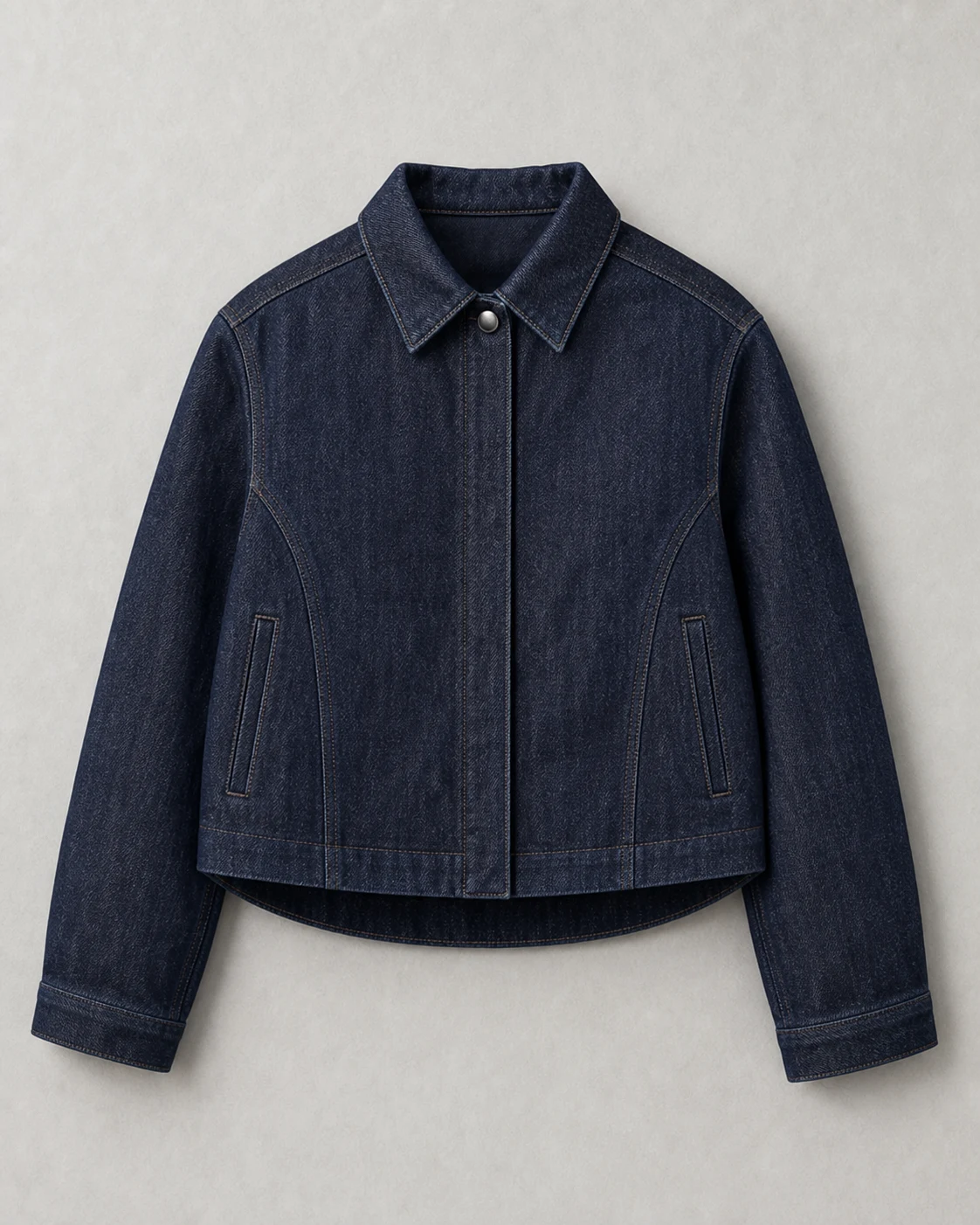
Casual
Denim, shirts, and daily outfits
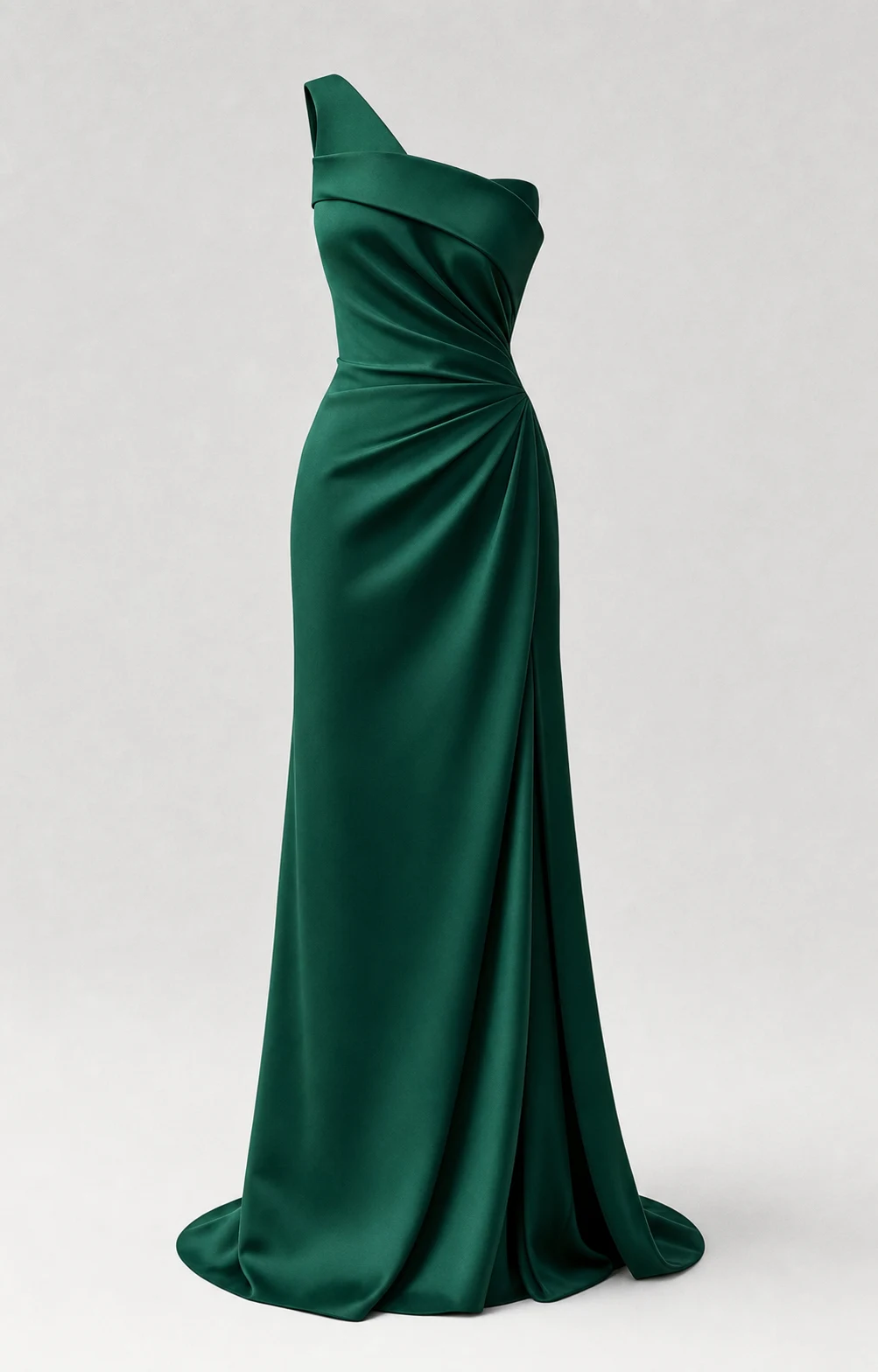
Formal
Dresses, gowns, and event looks
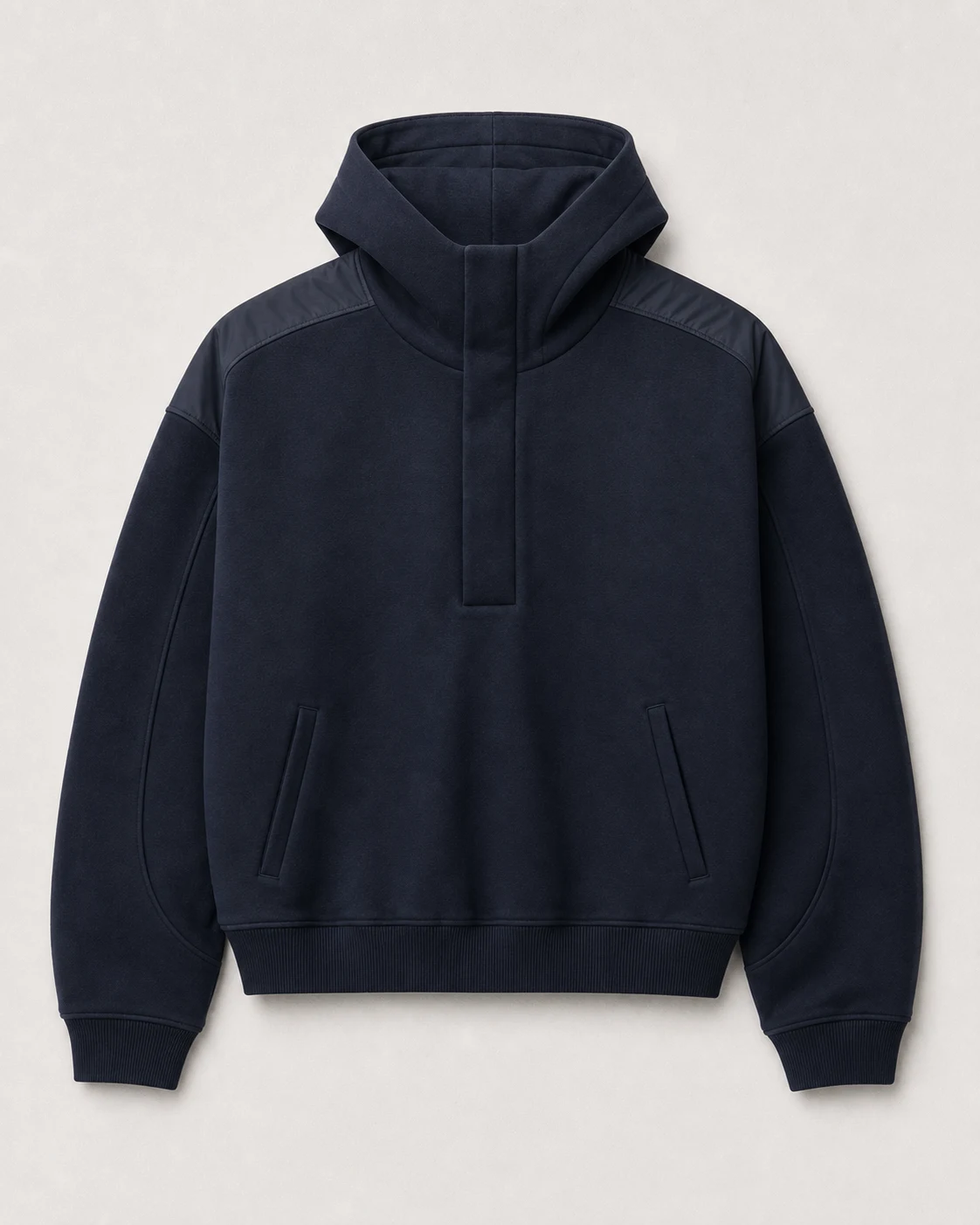
Streetwear
Hoodies, cargos, and layered looks
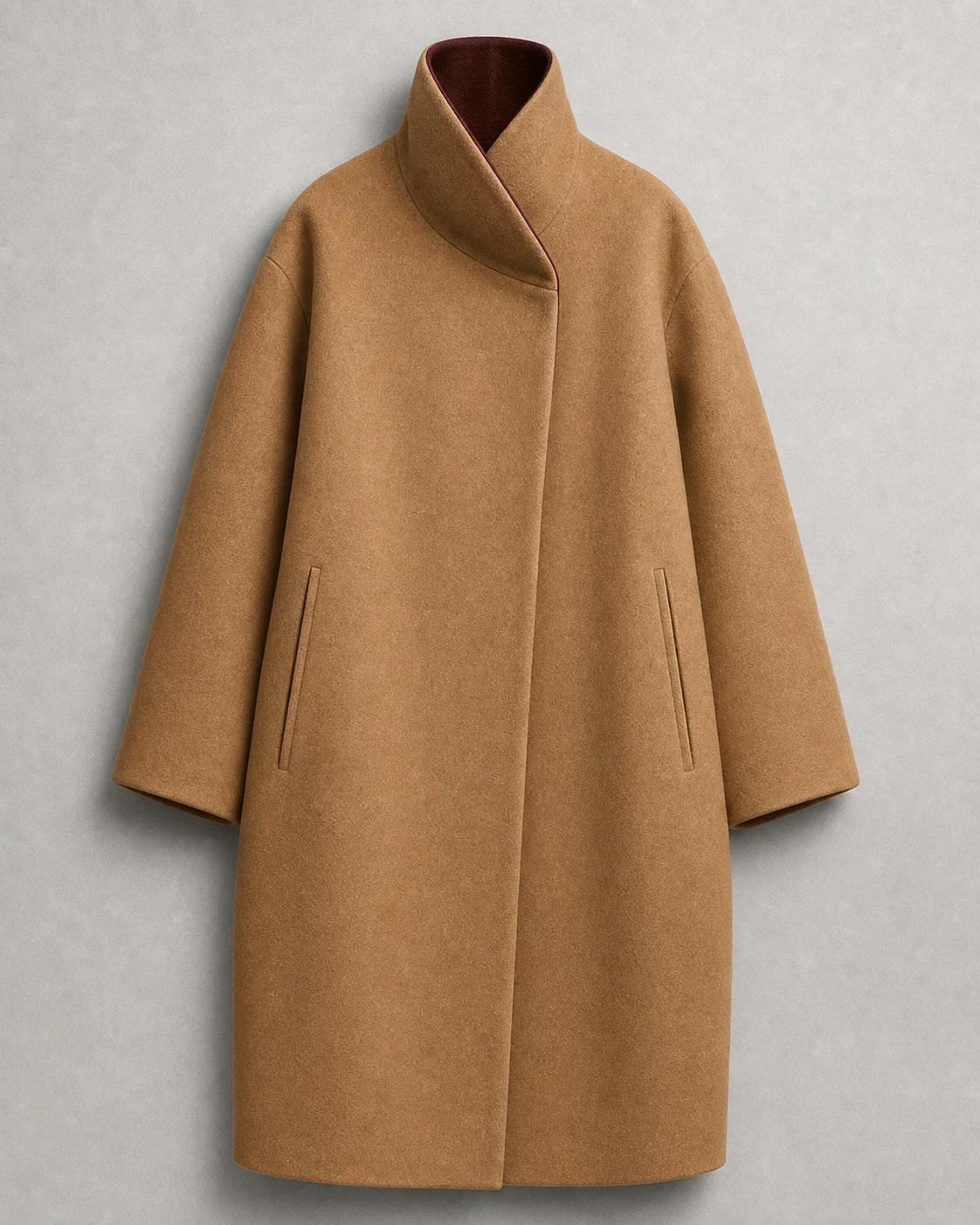
Seasonal
Coats, jackets, and weather-ready styles
Themed
Sports, costume, and creative outfits
Realistic, flexible outfit changes
The workflow is designed to preserve identity and composition while giving you several ways to control the new outfit.
Keep the face, hair, skin tone, body proportions, and pose recognizable while the outfit changes.
Match the garment to the model's body, lighting, shadows, folds, and visible scene instead of pasting it over the photo.
Combine multiple garment images when one photo cannot show every item, texture, print, or design detail.
Describe the style, color, fit, occasion, and details you want without learning complex prompt syntax.
Go from one photo to a new outfit in three simple steps. No masking, retouching, or editing experience is required.
Upload a garment, combine a top and bottom, select up to three references, or describe a business, casual, formal, fashion, or themed outfit.
Add a clear photo of yourself, a consenting model, or choose an official model. This image defines the face, hair, body, pose, and scene to preserve.
Choose the size and resolution, generate the outfit change, then review and download your result in up to 4K.
From personal style to product marketing
Explore a new look, prepare a polished photo, or create marketing-ready fashion concepts without arranging another outfit or photo shoot.
Upload a product image from an online store and preview the color, silhouette, and overall style on your own photo before ordering.

Turn one good photo into OOTD ideas, seasonal looks, event outfits, and fresh social content without changing for every shot.

Change a casual outfit into business wear, a blazer, or formal clothing for profile, resume, and work image concepts.

Turn flat lays and product photos into on-model concepts for listings, lookbooks, ads, and campaign planning without a full shoot.
Clear inputs help the AI understand the person, garment shape, and visible design details.
| Input | Recommended | Avoid |
|---|---|---|
| Model photo | One visible person, sharp focus, even lighting, and a clear view of the body and current outfit. | Crowds, crossed limbs hiding the outfit, heavy blur, extreme crops, or strong shadows. |
| Clothing reference | Flat lay, product photo, mannequin image, or on-model photo with the full garment visible. | Folded or blocked garments, tiny images, busy backgrounds, or details hidden by accessories. |
| Custom instructions | Describe only the changes that matter, such as color, fit, styling, or which details to preserve. | Conflicting requests or long prompts that change the model, pose, clothes, and scene at the same time. |
AI virtual try-on is a visual preview, not a body measurement or garment sizing tool.
Answers about free use, outfit changes, photo quality, privacy, mobile access, and virtual try-on results.
An AI clothes changer is an online image tool that replaces the outfit in a photo with different clothing. It uses garment references or a written description to create a realistic new look while aiming to preserve the same face, hair, body, pose, and scene.
Yes. You can start with free credits and try the complete online workflow before buying additional credits. Higher-resolution generations use more credits.
No. This tool changes one outfit into another outfit. It is not designed to remove clothing. Only use photos of yourself or people who have given you permission.
Use a sharp photo with one visible model and minimal body obstruction. Clothing references can be flat lays, clean product shots, or on-model photos.
Yes. You can select up to three clothing references in One mode, or use Set mode to provide a separate top and bottom.
Yes. The tool works in modern mobile browsers and supports images from your photo library or camera.
You can select and preview files locally before logging in. Files are uploaded only after you choose Generate.
No. Results are visual concepts, not body measurements or sizing advice. Fabric drape and fit may differ from the real garment.
You can upload JPG, PNG, or WebP images up to 30MB. Generated images support multiple aspect ratios and 1K, 2K, or 4K output where available.
Timing varies with queue and resolution. You can leave the page after submission and find the completed task in History.
Upload a photo, choose clothes or describe a look, and create a new outfit online without manual photo editing.